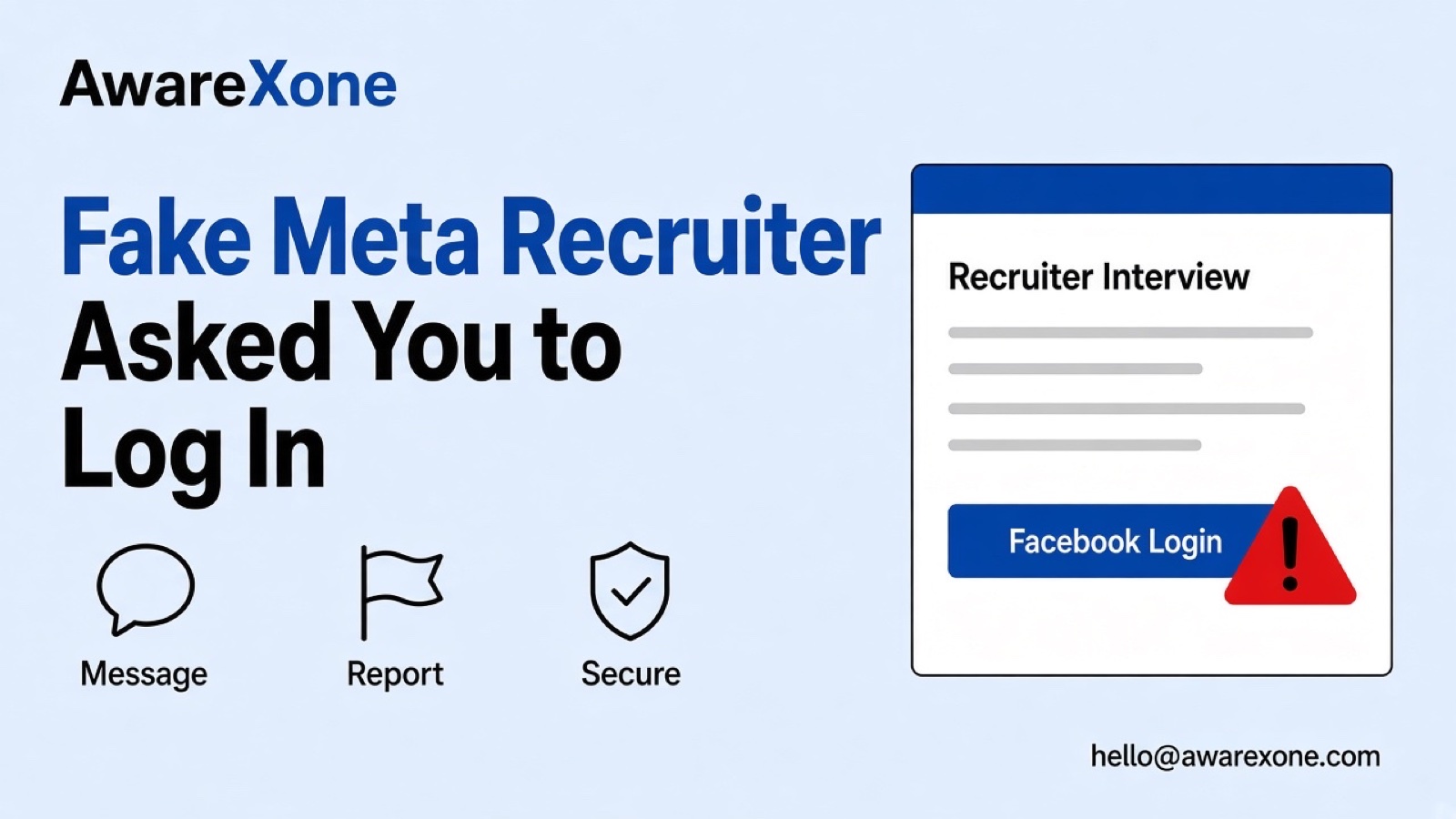
Fake Meta Recruiter Asked You to Log In with Facebook?
A fake Meta recruiter asked you to log in with Facebook? Spot the scam, secure the account if you entered a password, and how it differs from LinkedIn.
If a fake Meta recruiter interview asked you to log in with Facebook, leave that page. Open facebook.com yourself, change your password, turn on two factor authentication and review sessions. Facebook does not ask for your password by email. Real interviews do not need your Facebook login.
Summary
Security advisories describe fake Meta recruiter interview pages that harvest Facebook logins through a scheduling link.
Facebook says it will not ask for your username or password in an email message.
If you entered your password on the fake page, change it on the real Facebook site, turn on two factor authentication and check where you are logged in.
Real hiring processes do not need your Facebook password to book a call.
One wrong step can cost you the account, so know what you are doing before you start.
You applied for social media jobs for weeks. Then a message arrives: a Meta recruiter wants a 30 minute call. The link opens a calendar. You pick a time, enter your name and phone number, solve a captcha, and the page asks you to log in with Facebook to confirm. It feels official. It is not.
In early November 2026, Keller Schroeder described this exact pattern: fake Meta recruiter interview invitations built to steal Facebook login credentials, including a fake login page that also asks for your two factor code. This guide covers how to spot it and what to do if you already typed your password, using Facebook's phishing help and hacked account page. It is about Facebook login harvest, not the LinkedIn recruiter steps in our LinkedIn fake recruiter job offer guide. One wrong step can cost you the account, so know what you are doing before you start.
If a fake Meta recruiter interview asked you to log in with Facebook, leave that page. Open facebook.com yourself, change your password, turn on two factor authentication and review sessions. Facebook does not ask for your password by email. Real interviews do not need your Facebook login.
You get an interview request that claims to be from a Meta or brand recruiter.
The link opens a scheduling page on a domain that is not Meta.
You enter contact details and complete a captcha.
The page asks you to log in with Facebook to confirm the booking.
If Facebook asks for a two factor code, the fake page asks for the same code.
A message may say a confirmation email will arrive soon, buying time while the attacker signs in.
Keller Schroeder notes that the invitation comes from an unfamiliar recruiting domain, not Meta, and that the scheduling app is not affiliated with the organisation.
Facebook's phishing page says Facebook will not ask you for your username or password in an email message, and will not send a password to verify in an attachment. It also warns about deceptive links that lead to sites designed to look legitimate so they can steal login credentials.
Treat any interview page that asks for your Facebook password as phishing, even if the logo looks perfect.
LinkedIn recruiter scams can push fake job offers and document uploads on LinkedIn. This pattern uses a Meta or brand interview story to steal a Facebook password. The checks differ: here you verify careers pages and refuse any Facebook login on a scheduling site. Do not reuse LinkedIn recovery steps as a substitute for securing Facebook.
Malaysian social media managers and job seekers are frequent targets, because one personal Facebook login can control business Pages and ad accounts. If you run Pages for a client, tell them as soon as you suspect a phished login, and review Page admins.
Meta decides when to lock a compromised Facebook account and how recovery proceeds. Your part is to change the password on the real site, clear unknown sessions and stop using the fake booking link.
A profile claiming to hire for Meta or Facebook messages you on Facebook or Messenger.
They push a quick interview on a video link or a form.
Somewhere in the flow they ask you to continue with Facebook Login or to enter your Facebook password on a copied page.
After you sign in, they may ask for identity images or a charge for shipping an onboarding kit.
This article stays on that Facebook login harvest. It does not walk the LinkedIn recruiter report path. If the same scam started on LinkedIn, see LinkedIn fake recruiter job offer scam report for that platform's steps, then return here for the Facebook password and session work.
Change your Facebook password on a device and network you trust.
Turn on two factor authentication if it was off.
End sessions you do not recognise.
Review email and phone on the account.
Warn friends if the attacker started messaging from your profile.
Facebook's phishing and hacked account help pages are the spine of those steps. Skip any helper who asks you to share the new password or a code.
Write down the exact URL you opened, the time, and whether you entered only a password or also an approval prompt. That timeline helps if you later talk to Facebook support or a bank about misuse.
If the fake recruiter used Meta logos in the calendar invite, keep the invite headers. Brand misuse evidence supports a report even after you secure the login.
Job seekers in Malaysia who apply through public Facebook groups should treat any Facebook Login step outside facebook.com as hostile until proven otherwise.
Getting help is safer when the login also controls business assets, when your email was changed, or when friends start getting odd messages from your account. For recovery offers that appear after a hack, see fake hackers offering account recovery.
If you are unsure about any step, or the account matters to your income or business, having an experienced team check it is the safer choice. AwareXone does this work. See our account security page.
A case review helps when you need to secure Facebook and any linked Business assets in one pass. We are a Malaysia-based team, independent of Meta, and we use only the official routes. We do not ask for your password or codes, and we cannot promise a result. See our trust page.