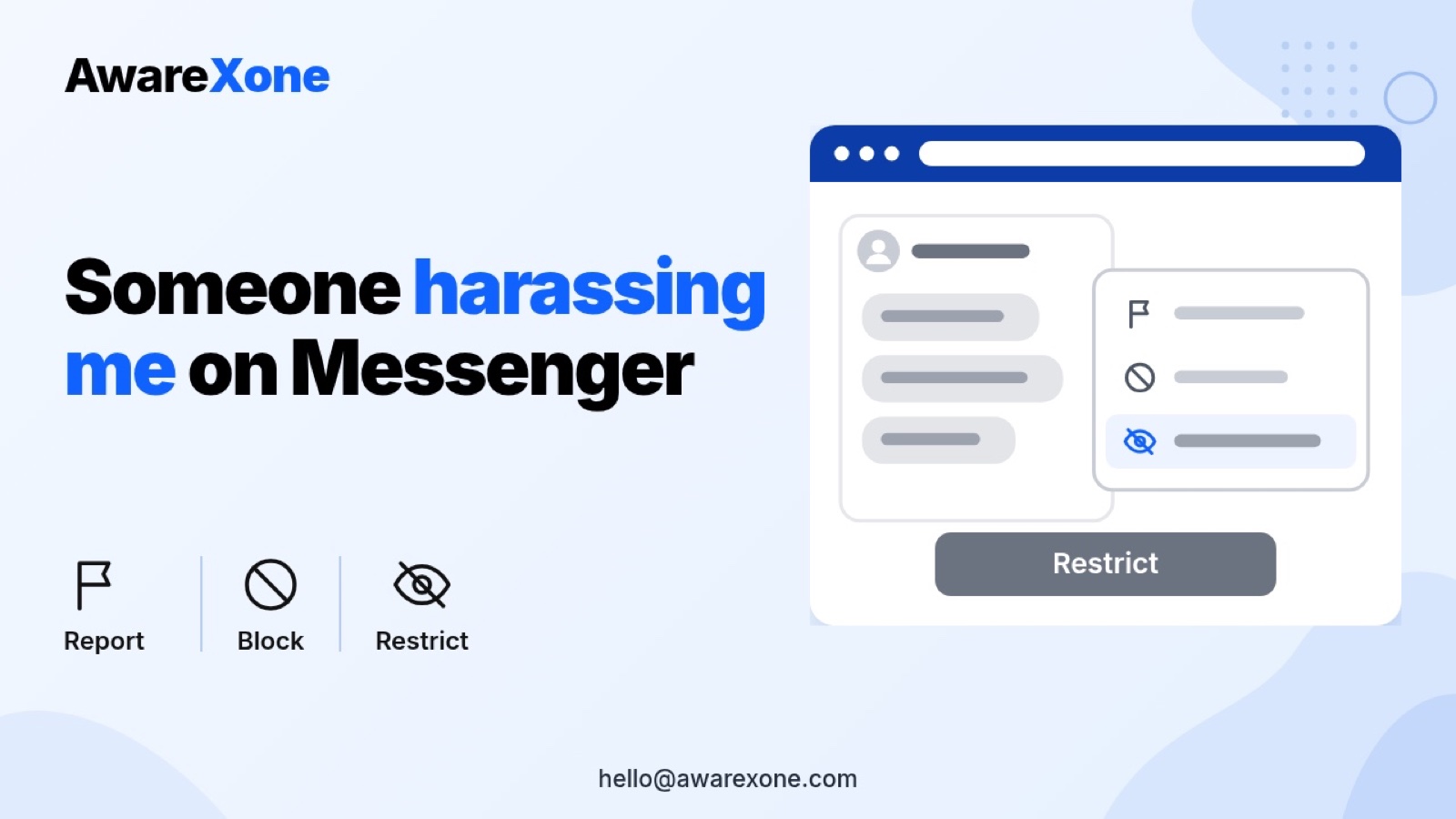
Someone Harassing Me on Messenger: Report, Block or Restrict
Someone harassing you on Messenger? See what Restrict, blocking messages and calls, blocking on Facebook and reporting each do, and what to save first.
Save the messages first. Then report the conversation or the specific message from the chat menu, and choose the category that fits, such as bullying or harassment. After that, restrict the person if you want quiet without them knowing, or block messages and calls, or block them on Facebook to cut contact fully.
Summary
Restrict hides the chat from your Chats list and silences their messages and calls, and Meta's page says the person is not told.
Blocking messages and calls stops them contacting you on Messenger, while blocking on Facebook also blocks their profile there and unfriends them.
Messenger's report page currently says Meta reviews up to 30 of the most recent messages in a reported conversation.
Save screenshots before you block, restrict or delete anything. One wrong step can cost you the record you need, so know what you are doing before you start.
If you feel you are in immediate danger, Messenger's help page says to contact your local police.
The messages keep coming. It might be an ex, a former colleague, someone from a buy and sell group, or a stranger who will not take no for an answer. You want it to stop, but you are not sure whether blocking will make them angrier, whether reporting does anything, or what Restrict even means.
Here is the short version. Messenger has four separate options: Restrict, Block messages and calls, Block on Facebook, and Report. They do different things, and you can use more than one. This guide follows Meta's own Messenger help pages and its Bullying and Harassment policy. It covers what each option does, what the other person sees, how to report, and what to save before you touch anything. We cannot promise that Meta will remove anyone. One wrong step can cost you the record you need later, so know what you are doing before you start.
Use them in that order. Save the messages, report the conversation or the worst messages so Meta can review them, then choose how much contact to cut. Messenger's Restrict page says restricting hides the chat and silences notifications, and the person is not told. Its Block page says blocking messages and calls stops them messaging or calling you on Messenger or Facebook chat, and blocking their profile on Facebook also stops them finding your profile and unfriends them. Messenger's report page says reports are checked against Meta's Community Standards.
From Messenger Help pages on restricting, blocking and reporting, read 29 October 2026. Wording and menus can differ by app, device and region.
Option
What happens, according to Meta's pages
Is the person told?
Restrict (mobile apps only)
You get no notifications when they message, your phone does not ring when they call, the chat leaves your Chats list, they cannot see when you are online or whether you have read their messages, and you will not see when they are online. You cannot call or message them
No. The page says Meta will not tell them
Block messages and calls
They can no longer message or call you on Messenger or Facebook chat. You can still see their Facebook profile, and depending on their settings their posts, comments and tags
The page does not say either way for this option
Block on Facebook
Blocks their profile on Facebook as well. They cannot message, call or find your profile on Messenger or Facebook chat. If you are friends, it unfriends them
No. The page says profiles are not notified when you block them
Report
Meta reviews the reported conversation against its Community Standards. The page says Meta reviews up to 30 of the most recent messages sent in a conversation reported by an account
The page does not say the person is told who reported them
Do this first, because restricting hides the chat, blocking ends the conversation, and deleting a conversation, which the block page lists as an option, can leave you with no record of your own. None of this checklist is a Meta requirement. It is plain good practice.
Screenshot the messages with the sender's name, profile picture and the dates visible.
Open their profile and screenshot it, and copy the profile link, in case they rename it or switch profiles.
Write a short note of when it started, how often it happens, and whether they contact you anywhere else.
Keep anything threatening, such as threats to share your phone number, address or private images, in a separate folder.
Back the screenshots up somewhere the other person cannot reach.
At the top, tap the menu, then tap Report. On iPhone, the page says to tap the person's name at the top, then scroll down and tap Report.
Select a category to help Meta understand what is wrong, then tap Submit report.
To report one message instead, tap and hold that message, tap the menu (More on iPhone), tap Report, choose a category and submit.
On messenger.com the page says to open the conversation, scroll down on the right to Privacy and support, click Report, choose a category and click Submit. The page links separate instructions for end-to-end encrypted chats. When we opened that link it showed the general report page, so we do not describe a different encrypted chat process here. If your chat is end-to-end encrypted, follow that link on your own device.
The page says reported messages may also be used to help Meta improve its systems for reviewing other reported content. It adds that a report will not be created for technical problems or fake news categories.
The report page is honest that "not everything that may be upsetting violates our standards." It describes bullying or harassment as "content that appears to purposefully target a person with the intention of degrading or shaming them, or repeatedly contacting a person despite that person's clear desire and action to prevent contact." It also lists direct threats, impersonation, and sexual violence and exploitation, which includes threats to share intimate images.
Meta's Bullying and Harassment policy goes further. It says everyone is protected from unwanted contact that is repeated or sexually harassing, and from threats to release someone's private phone number, residential address, email address or medical records. It says these protections are also enforced on messages. For some kinds of content, the policy says Meta needs the targeted person to report it, or needs confirmation from them that the contact is unwanted. That is one reason to report it yourself rather than leave it to others.
Restrict if you want quiet without a reaction. The person is not told, and the page says you can find them later under Restricted accounts in your Privacy and safety settings. This is a mobile app feature only.
Block messages and calls if you want the contact to stop but still need to see their Facebook profile, for example to keep track of what they post about you.
Block on Facebook if you want them unable to find your profile at all. It also unfriends them.
Report in every case where the messages break the rules. Reporting and blocking work side by side.
The block page says that blocking a Facebook profile from the Messenger app only blocks them from the profile you are currently using, so block them from any other profiles you have too. If the person has more than one profile, it says blocking one of theirs will limit how their other profiles can interact with you. Report each profile that contacts you.
Group chats are a gap to know about. The block page says that if you are in a group chat with someone you blocked, their messages are hidden for you on the mobile apps, but they can still see your messages and join a group call. It says you are notified before you join a group call or enter a group chat with them, and the Restrict page says Meta will let you know before you enter a group chat with someone you restricted.
Most people can handle this with the steps above, and the official routes come first. The risks of doing it alone are real but simple. Blocking or deleting before saving can wipe your own record. Reporting only one profile when the person uses several can leave contact open. Replying in anger can give them material to report you with. And paid helpers who promise bans or unmasking are not part of any Meta process.
If the harassment involves threats, intimate images, several profiles, or your work or business, having an experienced team organise the evidence and the reports is the safer choice. AwareXone does this, using only the official routes. See our content removal help page for what we cover.
A review helps when you have reported and the messages keep coming, when the person switches profiles, or when you need one clear timeline for the police. AwareXone is independent of Meta. We never ask for your password or any login code, and we do not promise removal. See how we work on our trust page, and use Apply for Case Review at the end of this guide.
Will the person know if I restrict them on Messenger?
No. Messenger's Restrict page says Meta will not tell them that you restricted them.
Will they know if I block them?
Messenger's block page says profiles are not notified when you block them.
How many messages does Meta look at when I report a chat?
The report page currently says Meta reviews up to 30 of the most recent messages sent in a conversation reported by an account.
Should I delete the conversation?
Save screenshots first. Deleting the chat can leave you without your own record if you later need to report again or go to the police.
What is the difference between blocking messages and calls and blocking on Facebook?
Blocking messages and calls stops them contacting you on Messenger and Facebook chat. Blocking on Facebook also blocks their Facebook profile, stops them finding yours and unfriends them.
Can I restrict someone on a computer?
No. Messenger's help page says Restrict is not available on computers, only in the mobile apps.