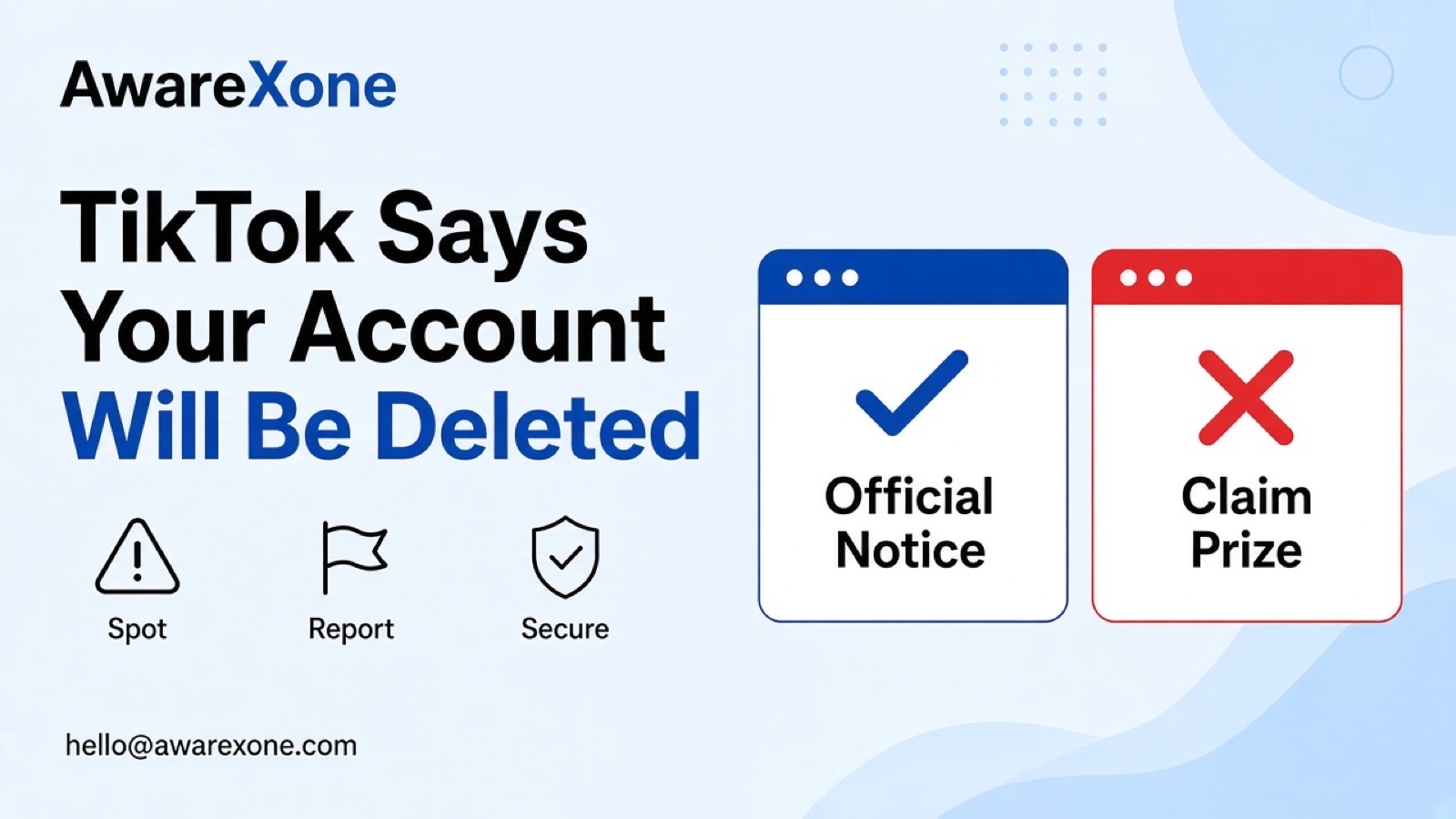
A message warning that your TikTok account will be deleted is likely a scam if it arrives by email, text or another app and asks you to click, log in or share a code. TikTok says it will not ask for your password or codes. Open the TikTok app yourself and check your notifications and account status there.
Summary
A message saying your TikTok account will be deleted unless you click a link or verify details fits the pattern TikTok warns about.
TikTok says it will not contact you to ask for your password, verification codes or other sensitive personal information.
TikTok's inactive account policy says inactive users will not be blocked, removed or considered inauthentic.
Check your account only by opening the TikTok app yourself, not through the link in the message.
One wrong step can cost you the account, so know what you are doing before you start.
The message is short and urgent. Your TikTok account will be deleted within 24 hours for breaking the rules, or for copyright, or because it is inactive. To stop it, tap the link and confirm your details. It might come by email, by text, through another app, or even as a DM from an account with TikTok in its name.
This guide shows how to tell a real TikTok notice from a fake deletion threat, where real notices appear, and what to do if you already tapped. It uses TikTok's phishing help page, its account safety page and its inactive account policy. One wrong step can cost you the account, so know what you are doing before you start.
A message warning that your TikTok account will be deleted is likely a scam if it arrives by email, text or another app and asks you to click, log in or share a code. TikTok says it will not ask for your password or codes. Open the TikTok app yourself and check your notifications and account status there.
#Where Real TikTok Notices Appear vs What Scams Look Like
This table is our comparison. TikTok decides how it contacts any single user, but its help pages describe the official routes.
Real vs fake comparison by AwareXone, based on TikTok help pages read 3 November 2026.
Feature
Real TikTok notice
Scam warning
Where it shows
In the TikTok app, in your notifications or inbox
Email, text, another app, or a DM from a lookalike account
What it asks
To review a decision or tap Appeal inside the app
To click a link, log in on a web page, or share a code
Deadline
No countdown to make you rush
Deleted within hours unless you act now
Support messages
An in app inbox message that asks you to accept the request in a pop up
A message from an ordinary account using TikTok in its name
Sender email
A tiktok.com address, as TikTok describes for some official emails
A free email service or a lookalike domain
Payment
Not part of a deletion notice
Asks for payment or gift cards to keep the account
TikTok will never contact you to ask for your password, verification codes or other sensitive personal information. If you receive a message claiming to be from TikTok that does, it's likely a phishing attempt.
The same page explains that TikTok Support may send an inbox notification in the app for issues with certain features, and that you can verify it if a pop up at the bottom of the message asks you to accept the request. It says to handle your account carefully if messages are not sent through the official route.
One version of the scam says your account will be deleted for inactivity. TikTok's inactive account policy says that if an account remains inactive for 180 days or more, the username may be reset to a randomised numeric username. It then says:
These users will not be blocked, removed or considered as inauthentic.
So a message that threatens deletion for inactivity does not match TikTok's own policy. Deleting your own account is something you start yourself in the app, under Settings and privacy, Account, Deactivate or delete account, as TikTok's delete your account page describes.
Open the real TikTok app and change your password at once.
Remove unknown devices under Security and permissions, Manage devices.
Run security checkup and turn on 2-step verification.
Check that your phone number and email are still yours.
TikTok's phishing help page says that once you update your password, you will be logged out of all other devices, so anyone logged into your account will no longer have access. If your account was deleted by someone else, see our guide on restoring a TikTok account deleted by a hacker.
Malaysian users get the same threats in English and in Malay, with lines such as akaun anda akan dipadam, meaning your account will be deleted. The language changes, but the pattern does not: a deadline, a link, and a request for your login or code. If the message also asks for payment to keep the account, it is a scam, and you can report it to the police if you paid.
Deletion threats work well on people who are new to TikTok, or who use it to keep up with family and do not know where its settings live. If a parent, child or older relative uses TikTok, show them where real notices appear in the app, and agree a simple rule: any message that says the account will be deleted gets shown to you before anyone taps anything.
Turn on 2-step verification on their account with them.
Show them the inbox and notifications screens, so they know where TikTok speaks to them.
Explain that a deadline in hours is a sign of a scam, not of TikTok.
Save a screenshot of a scam example, so they can compare future messages.
TikTok's newsroom advice also encourages talking with friends, family and coworkers about new scams, and reminds readers not to be embarrassed if they fall for one.
TikTok decides whether content breaks its rules and whether an account is restricted or banned. A scam message has no power over your account. Only what shows inside the app reflects TikTok's decisions.
Getting help is safer when you entered your login on the scam page and something has already changed, when the account earns income, or when you have a real violation notice and a deadline. Rushed steps can lock you out further, and fake helpers target people right after a scare.
If you are unsure about any step, or the account matters to your income, having an experienced team check it is the safer choice. AwareXone does this work. See our account security page.
A case review helps when you cannot tell whether a notice is real, or when a scam login has already caused changes. We are a Malaysia-based team, independent of TikTok, and we use only the official routes. We do not ask for your password or codes, and we cannot promise a result. See our trust page.