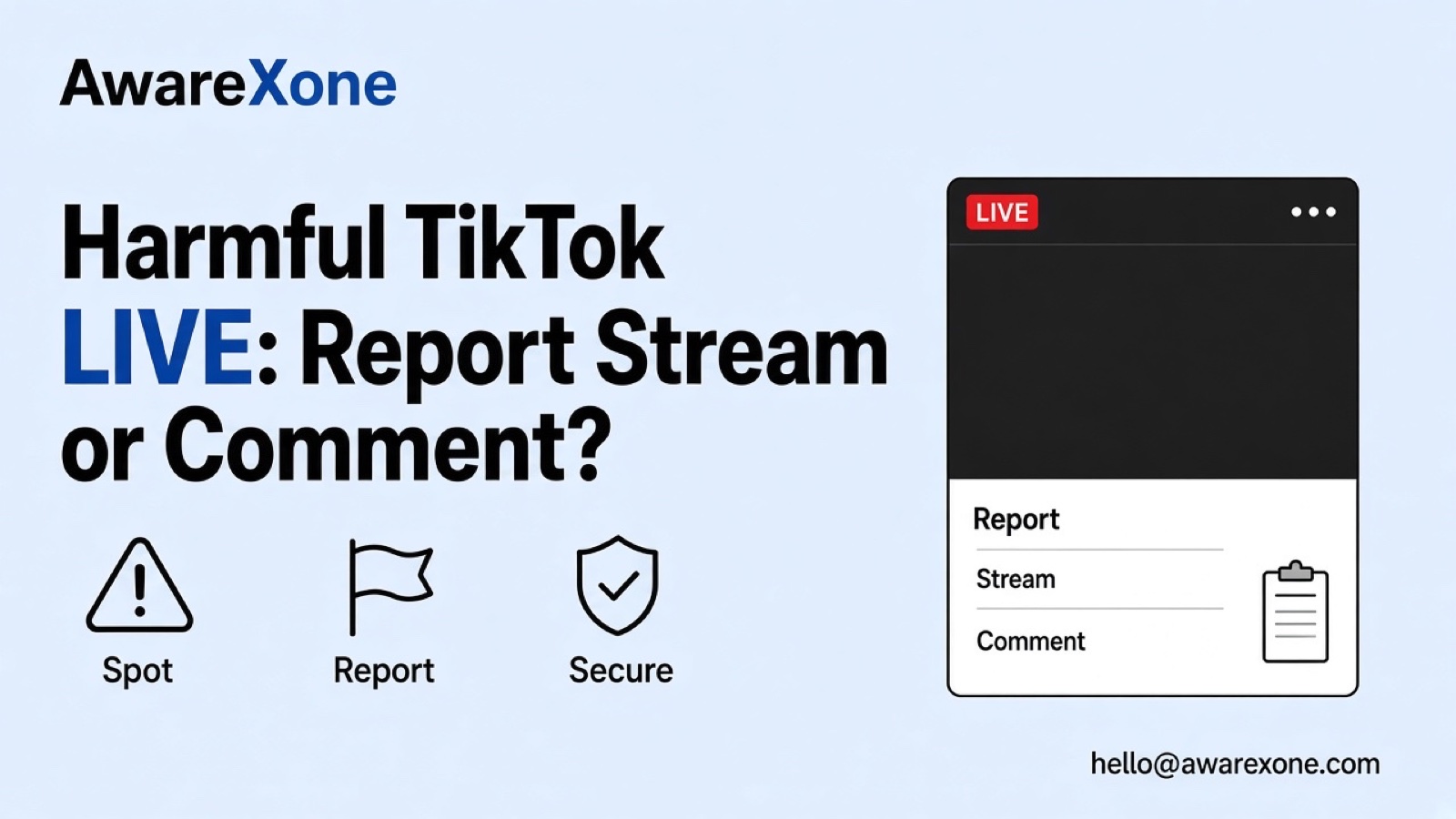
If the TikTok LIVE broadcast is harmful, use Share, then Report, choose a reason and follow the steps to Submit in the app. For an abusive comment, press and hold that comment, then Report. Creator-authorised moderation is different from TikTok enforcement. Keep minimal safe evidence, but leave or seek urgent help if necessary.
Summary
The LIVE broadcast and a particular chat comment have separate reporting controls; identify the item containing the harm before acting.
In the app, report a LIVE through Share and Report; report a comment by pressing and holding that specific comment.
Creators and authorised moderators manage viewers within their permissions; muting or blocking is not a platform-wide account ban.
Keep minimal safe evidence with handles, time and context, without circulating private details or recording sexual abuse material.
Official reporting comes first; case review can help organise repeated LIVE-related harm, but it is not emergency response or guaranteed enforcement.
Someone is naming, mocking or exposing you during a TikTok LIVE. Comments are moving quickly, and you need to act without losing track of who said what. First separate harm in the broadcast from a particular abusive comment. They have different report entry points.
This guide covers an ongoing LIVE and its chat, not removing an uploaded video or appealing your own LIVE restriction. You can use the official app controls yourself. Evidence organisation should not require you to keep watching something unsafe, argue with the broadcaster or recruit others into the dispute.
If the TikTok LIVE broadcast is harmful, use Share, then Report, choose a reason and follow the steps to Submit in the app. For an abusive comment, press and hold that comment, then Report. Creator-authorised moderation is different from TikTok enforcement. Keep minimal safe evidence, but leave or seek urgent help if necessary.
Identify the item containing the harm before choosing a control. What the broadcaster says or shows is different from what an individual viewer posts in chat. If both are relevant, keep their evidence and actions separate. Do not attribute a viewer's statement to the broadcaster without supporting context.
Writer-created ongoing-LIVE action map. Official reporting and moderation controls are verified below; evidence and after-session precautions are practical guidance.
Where the harm appears
Route to use
What to keep separate
The broadcaster speaks or shows the harmful content
The official in-app LIVE report route: Share, then Report.
Broadcaster identity, time and description of the relevant segment.
A particular viewer posts an abusive comment
Press and hold that comment, then Report.
Commenter identifier and the actual comment, not only the host's profile.
An unwanted viewer is disrupting your own LIVE
Use creator or authorised moderator controls within granted permissions; reporting is a separate action.
Mute or block is not a platform-wide account ban.
The broadcast has ended or a recorded copy appears
Keep the existing note and use only the reporting options actually available for the item you can still identify.
Do not assume a replay can be retrieved or that a report on one item covers later copies.
TikTok's Report a LIVE Help page describes this app sequence. It is the broadcast report route, not a creator appeal or a generic recorded-post menu. Choose a reason based on what you observed; the source does not establish one exact harassment-category path for every situation.
In the TikTok app, go to the LIVE you want to report.
Tap Share.
Tap Report and select a reason. If prompted, select a subtopic.
Follow the steps shown and tap Submit.
If it is safe, note the broadcaster handle and the time of the harmful segment. If not, report with the information available and leave. Do not wait to gather a complete recording or provoke another harmful statement. Submitting a report asks TikTok to review; it is not a control that promises to end the broadcast immediately.
The separate Report a LIVE comment page gives the comment-specific steps. Select the actual comment you intend to report, not a nearby reply that happens to be visible when the chat moves.
In the TikTok app, go to the LIVE.
Press and hold the comment you want to report.
Tap Report, select a reason and, if prompted, a subtopic.
Tap Submit.
Keep the commenter distinct from the broadcaster in your note. Record the exact wording only if you have it; mark a remembered summary as a summary rather than a quotation. A short comment can change meaning when detached from the reply it addresses, so preserve enough surrounding context to explain your concern accurately.
The two Help pages do not establish that reporting a LIVE automatically identifies every offending comment, or that reporting one comment requests a full account ban. Use the route for the identifiable item rather than repeating an approximate report to try to force a particular outcome.
TikTok's LIVE moderation guidance says creators can add moderators, and moderators need permission from the creator. These permissions matter: a viewer does not acquire moderation authority by reporting something or by being the person targeted.
Role map separating reporting, creator-side moderation and TikTok platform enforcement.
Role
What the verified guidance supports
Authority limit
Viewer or targeted person
Report a LIVE or a specific comment through the documented app controls.
A report does not grant chat-management permissions or decide an account sanction.
Creator
Manage viewers and comments, and add moderators to assist with the LIVE.
Creator controls are not a power to suspend an account across TikTok.
Creator-authorised moderator
Use the settings and viewer-management permissions granted by the creator.
Available actions depend on permission; do not borrow credentials or assume every moderator has every control.
TikTok
Review violations and take platform enforcement action under its Community Guidelines.
The reporter, creator, moderator and outside helper cannot promise the resulting decision.
The moderation page describes Mute as stopping the viewer from commenting for a specified period, until it ends or they are unmuted. Block prevents the viewer from watching the creator's LIVE and also limits interaction with that creator through posts, profile and direct messages. It is broader than hiding one comment, but it is not a TikTok-wide account suspension.
TikTok says muted or blocked viewers are notified of those moderation actions. Do not confuse that notification with a verified rule about who can see the identity of a reporter. This guide makes no reporter-secrecy promise. Use only controls you are authorised to use, and do not offer a stranger account access to moderate for you.
The content-violations and bans guidance explains that TikTok uses automated and human review and can take action on accounts or content. That is the platform-enforcement side of the role map. It does not give a creator or moderator the ability to guarantee a ban, and this guide does not infer a ban count or duration from it.
Subscribe to receive notifications of new posts
#A Minimal Evidence Sheet for Disappearing Content
This is a private preparation aid, not a list of mandatory TikTok form fields. Use only safe, lawful material already available to you. You do not need a perfect recording before using the report controls, and you should not remain in the LIVE merely to finish a checklist.
Editorial ephemeral-evidence sheet. It does not promise replay access, admissibility or a particular reporting result.
Record if safely available
Why it helps
Keep the limit clear
Broadcaster handle and visible LIVE or profile link
Distinguishes the broadcast from similar names or later sessions.
Do not invent a link or search for private account information.
Date, time and timezone
Places a short-lived segment in context.
Separate the time you saw it from the time you reported it.
Short description of the harmful segment
Explains what was said or shown and who was affected.
Label a summary as a summary, not an exact quotation.
Commenter identifier and specific comment evidence
Keeps a viewer's conduct distinct from the broadcaster's.
Do not blame the wrong participant because the chat moved.
Surrounding context and original language
Helps distinguish an attack from quotation, condemnation or a reply.
Keep any neutral translation separate and mark uncertainty.
Report action and any response received
Shows which item you actually reported and what remains unresolved.
An acknowledgement or action note is not proof of removal.
Do not download, screen-record or circulate sexual abuse material, particularly material involving a child. Use the reporting route and appropriate local child-safety or law-enforcement support instead. For other content, preserve only the minimum evidence that is safe and lawful; avoid reposting private addresses, intimate details or a child's identity in a public appeal for help.
If the content is in Malay, Chinese or another language, retain the original wording where safely available and add a neutral explanation only if useful. Do not strengthen a translation to fit a reporting category. This is worldwide guidance, not a claim that one language, country or community receives a particular enforcement response.
Keep your existing note, item identifiers and any response together. Check only the reporting interface or response actually available to you; the sources reviewed here do not establish a universal report-history menu or a way for every viewer to retrieve an ended LIVE. Do not treat a missing replay as evidence that TikTok removed the broadcast because of your report.
If the same harm returns in another session, distinguish the new session from the earlier one rather than assuming the first report covers it. Do not follow a suspicious replay link, contact private accounts or confront participants to obtain more evidence. A factual note that explains what is missing is better than an invented identifier.
If a recorded TikTok post appears afterwards, use our recorded TikTok harassment reporting guide for that separate item. If an account is also pretending to be you, our TikTok impersonation guide addresses the profile issue. Neither replaces the ongoing-LIVE or comment controls above.
Leave if continuing to watch or intervene would put you at risk. For immediate physical danger, contact appropriate local emergency or law-enforcement support rather than waiting for a report decision or a case review. Do not reply with threats, publish another person's private information or organise a reporting pile-on.
Treat claims of instant LIVE shutdown or guaranteed account bans cautiously. No legitimate evidence organiser needs your password or login codes. Keep private evidence off public feeds, especially when children or exposed identifying details are involved. This is practical safety guidance, not a prediction about what TikTok will decide.
The official report steps come first and remain available for you to use. A review can help when harassment recurs across several LIVE sessions, when the broadcaster and commenters need separating, or when identifying details and disappearing evidence make careful organisation important. The useful work is keeping a truthful record, choosing the correct official route and avoiding further exposure, not making the report sound more alarming.
AwareXone is Malaysia-based and independent of TikTok. Our content removal case review can help organise existing evidence and assess a legitimate reporting route for complex LIVE-related harm. Explain if a child, repeated targeting or exposed personal details are involved, without sending unnecessary sensitive material. We do not offer emergency response, promise a ban or ask for passwords or login codes. Read our trust commitments before deciding whether a review fits your situation.
Should I report the TikTok LIVE or the abusive comment?
Report the broadcast if the harmful content is in what the broadcaster says or shows. For a particular chat comment, press and hold that comment and use its Report control. Keep the two items separate.
Can a TikTok LIVE moderator ban an account from TikTok?
The verified guidance gives creator-authorised moderators viewer and chat controls within their permissions. A block affects access and interaction with the creator; a platform-wide account sanction is TikTok's decision.
Do I need to record the entire LIVE before reporting?
No complete-recording requirement is established by the reviewed report pages. Use minimal safe, lawful evidence and do not download, record or circulate sexual abuse material, especially involving children.
Can I retrieve the LIVE after it ends?
The reviewed sources do not establish a replay-retrieval option for every viewer. Keep information already available and use only the actual reporting options for identifiable content.
Does reporting guarantee the stream stops immediately?
No. A report requests review, and creator-side moderation is a different action. This guide promises neither removal nor a response time.
Will the broadcaster know that I reported?
No current reporter-disclosure rule was verified for this guide, so do not rely on a secrecy promise. Mute and block notifications described in the moderation page are a separate matter.