Business Manager Hacked, Ad Spend Stolen: What to Do
Hacker ran ads on your card through Meta Business Manager? Stop the spend, recover the business portfolio, and claim refunds from your bank, step by step.
Reviewed by Md Shariar Shanaz Shuvon, Founder & CEO of AwareXone.
5 minute read
Ask your AI for help with this guide:
Short answer
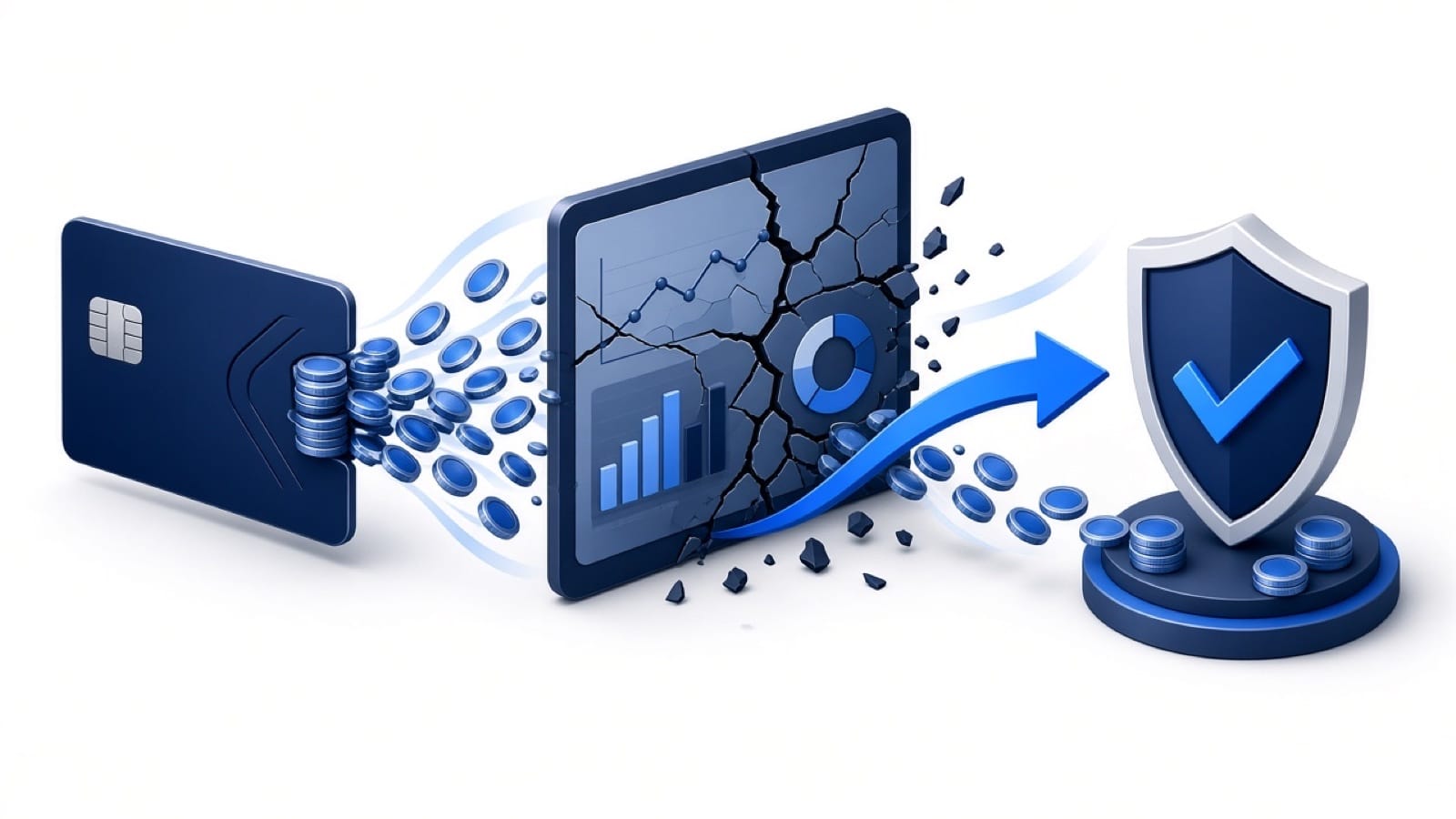
If a hacker takes over your Meta Business Manager (business portfolio) and runs ads on your card, do three things at once. First, stop the money by calling your card issuer to block the card and dispute the unauthorised charges. Second, recover the portfolio through Meta's hacked business portfolio recovery. Third, report it to your local fraud authority.
Summary
Call your card issuer first. Every hour of active campaigns costs money.
Recover the compromised admin profile, then the business portfolio.
Remove unknown people, partners, system users and payment methods.
If a hacker takes over your Meta Business Manager (business portfolio) and runs ads on your card, do three things at once. First, stop the money by calling your card issuer to block the card and dispute the unauthorised charges. Second, recover the portfolio through Meta's hacked business portfolio recovery. Third, report it to your local fraud authority. Don't wait for Meta to refund you before contacting your bank. Bank protections, deadlines and evidence matter more for getting your money back.
Call your card issuer and explain that a hacker is charging your card through your ad account without permission. Ask them to block the card and dispute the charges.
If you can still access Ads Manager: pause or delete every campaign you didn't create, and remove unknown payment methods.
"After a Business Manager takeover, attackers usually add their own user, change Page roles, and start or hijack ads on saved cards. Meta's own guidance is to remove unknown people and update payment methods once you regain access. Call the card issuer as soon as unauthorised spend appears." - Md Shariar Shanaz Shuvon, Founder, AwareXone
This is usually the most important route. Rules vary by country:
UK: For unauthorised payments, the FCA says to tell your bank as soon as you notice, within 13 months, and that the refund should normally be in your account by the end of the next business day. Banks can refuse only in limited cases, such as if you authorised the payment, acted fraudulently, or failed to protect your card details or password in a way that allowed the payment (FCA). The underlying rules are in the Payment Services Regulations 2017 (reg. 76).
Malaysia: For online financial fraud, call your bank's 24/7 hotline or NSRC 997 as soon as you discover it. MyGOV advises acting within 24 hours (MyGOV). Bank Negara Malaysia's policy document on unauthorised e-banking transactions (issued 28 June 2024) sets out how banks must handle these disputes (BNM).
Australia: The ACSC says to report the transactions to your bank immediately and complete a ReportCyber report (cyber.gov.au).
Singapore: Contact your bank. The ScamShield Helpline (1799) can direct scam victims to participating banks (ScamShield).
Report the unauthorised ad activity to Meta through Business Support and keep the reference number. Meta's own refund decisions are separate from your bank's process, so don't rely on them alone.
An ad account with a payment method and good history is valuable. It can run scam or prohibited ads that a new account would struggle to get approved, at your expense. Ad accounts used this way can also be restricted afterwards. See restricted from advertising.
If you can't regain the portfolio, several ad accounts are involved, or the account has been restricted after the hack. AwareXone (the publisher) handles Business Manager recovery through official channels: no passwords or OTPs, no promises, and any fee confirmed only after case review. We don't recover money or unfreeze bank accounts. That's for your bank and the authorities. See how a case review works on the AwareXone Business Manager recovery page, or check pricing and the Trust Center.
#What if the hacker also changed the Page name or deleted content?
Once you have admin access again, restore Page details, check posts for scam content, and review Page roles. AwareXone's Facebook Page back after a hack checklist covers this. If customers were contacted by the hacker, warn them through other channels.
#What if my ad account was restricted after the hack?
Ad accounts used for scam ads can be restricted. After you regain access and remove the attacker, request a review of the restriction through Meta's official process and explain the compromise. See ad account disabled and business portfolio restricted from advertising.
"The most useful evidence is a clear timeline: when you lost access, which security emails the platform sent, which admins or payment methods you don't recognise, and proof of who legitimately owns the business. Keep every notification email; don't delete them." - Md Shariar Shanaz Shuvon, Founder, AwareXone
Money first, access second, prevention third. Your bank is usually your best route to a refund. Meta's processes are your route back into the account.
Will Meta refund ads a hacker ran on my account?
Report it to Meta, but contact your card issuer immediately as well. Your bank's unauthorised-payment process is often the more reliable route.
What's the time limit to dispute unauthorised charges?
In the UK, the FCA says to report unauthorised payments within 13 months. Other countries and card schemes have different limits, so contact your bank as soon as possible.
Should I delete the ad account?
No. Keep it for evidence, and recover the portfolio first. Remove payment methods and pause campaigns instead.
Can AwareXone get my money back?
No. AwareXone helps recover account access through official channels. Refunds are handled by your bank and the platform.