
Facebook Page recovery
Platform focus: Facebook
At a glance
Facebook Page hacked or admin removed? AwareXone helps Page owners recover access through Meta's official channels. Case review first; Meta decides.
Recent Facebook recoveries
Two real cases, shown with permission and without client names.
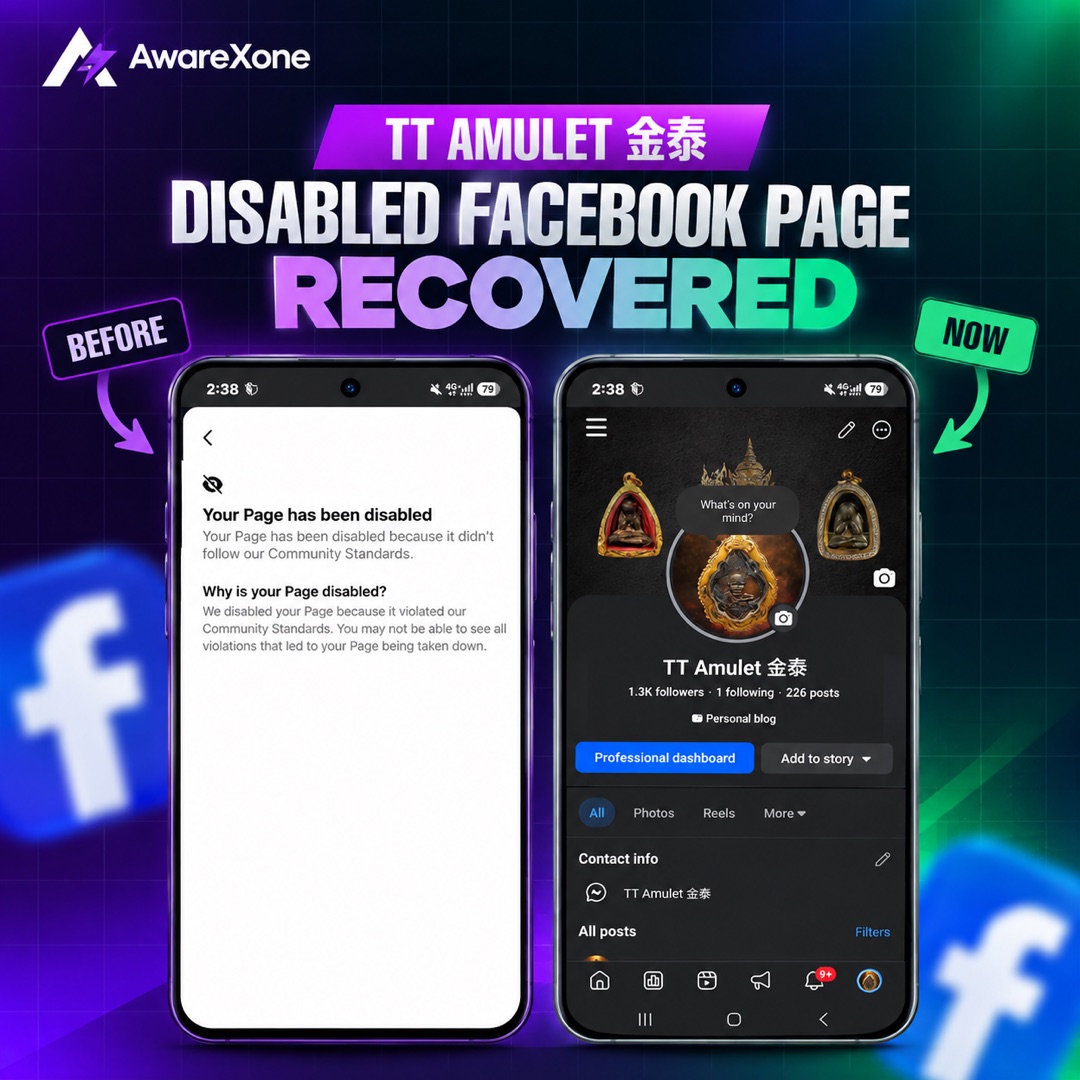
Disabled Facebook Page 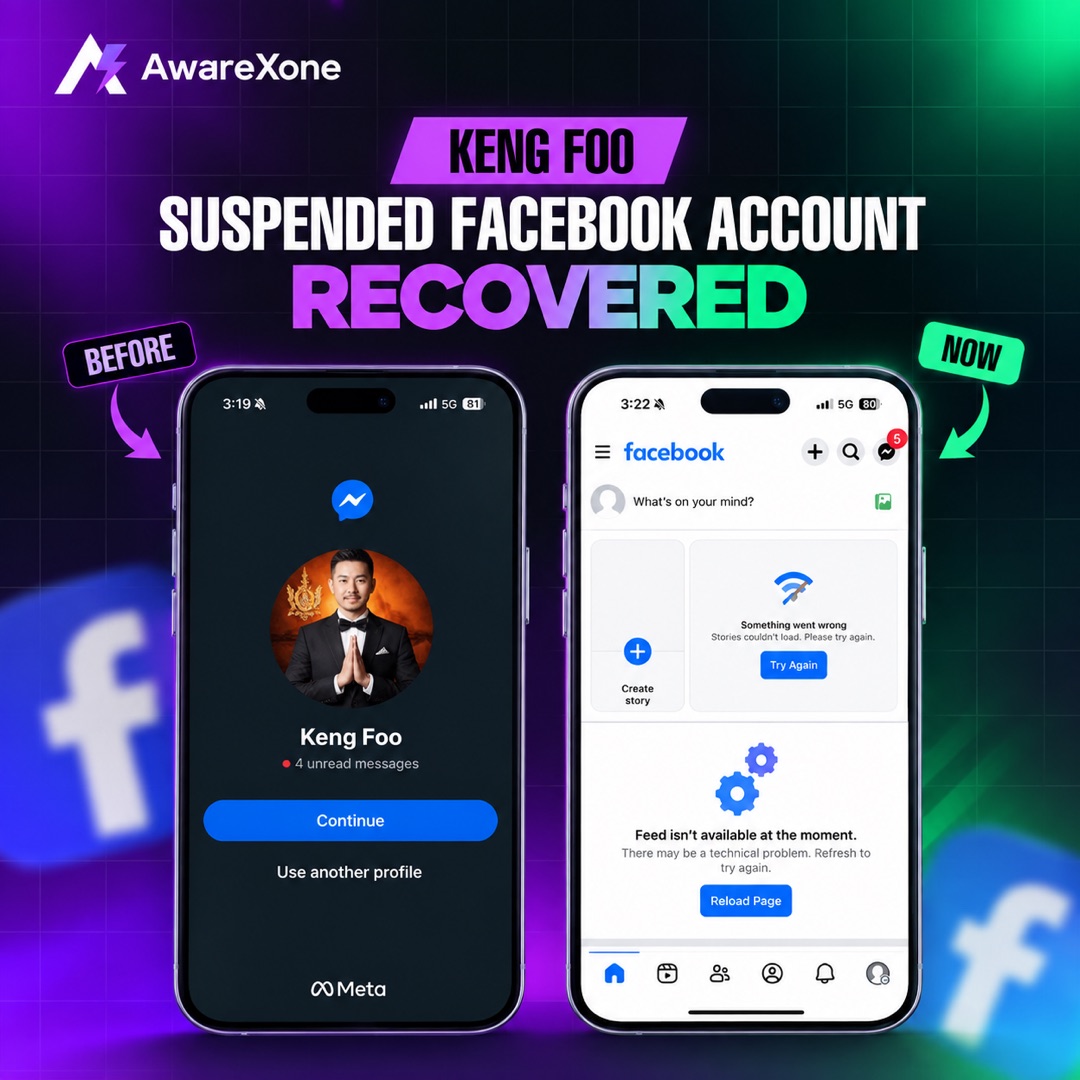
Suspended Facebook account
Shown with the client's permission. Names are withheld. Every case is different, and Meta makes the final decision. We never ask for your password or OTP.
Lost Page admins, restricted Pages, and hijacked brand Pages are business emergencies.
We assist with ownership documentation and legitimate recovery paths, not unauthorised access.
If your Facebook Page was hacked or you were removed as admin
A Page is usually lost because an admin's personal profile was hacked. The attacker removes the real admins, adds their own, renames the Page or runs ads. That means the first fix is on the personal profile, not on the Page.
- Secure the personal profile of every admin through facebook.com/hacked, on a device you have used before. Start with the email account.
- Submit Meta's hacked Page form while logged in to the admin profile. Meta's help flow covers Pages that were hacked or taken over, and Meta Verified subscribers get chat and email support.
- Save evidence: screenshots of the Page, the admin list, security emails and the time each change happened.
- Do not pay anyone claiming a back door to Meta. Only Meta can restore Page access.
What to check once the Page is back
- Page roles: remove any admin or editor you do not recognise, and keep two trusted people with full control.
- Ad accounts, payment methods and the business portfolio connected to the Page.
- A linked Instagram account and any connected apps.
- The Page name, About details and recent posts, in case the attacker changed them.
The full checklist is in Facebook Page back after a hack: what to check. Personal profile also hacked? See hacked Facebook account recovery. Ads on your card? See Business Manager recovery.
How AwareXone helps with a Facebook Page
We review who owns the Page, what Meta can see, and which official route fits: hacked Page, admin removal or a restriction appeal. We help you assemble ownership evidence and use Meta's own channels. AwareXone has handled 1,300+ account recovery and removal cases, with client names kept anonymous. Fees are confirmed after the case review. Only Meta can restore access, so 98%+ success rate across 1,300+ solved cases, through official platform channels only.
Limitations
AwareXone is an independent service provider. We are not affiliated with, endorsed by, or employed by Meta, Instagram, TikTok, X, YouTube, Snapchat, or other platforms unless explicitly stated.
Platform decisions remain under the control of the relevant platform. AwareXone provides documentation, support, reporting, and escalation assistance where appropriate.
We will never ask for your social media password, 2FA code, authentication cookie, or recovery code.
Related services
Business & Creator Recovery. Pages, Business Manager, ad accounts, admin seats, and creator assets. Legitimate access recovery. Or return to the social media account recovery hub.
Common questions
Can AwareXone get my Facebook Page back?
Only Meta can restore access to a Page. We review the case, help you prepare ownership evidence and use Meta's official recovery routes. 98%+ success rate across 1,300+ solved cases, through official platform channels only. Meta decides.
What should I do first if I was removed as a Page admin?
Secure your personal Facebook profile first through facebook.com/hacked on a device you have used before, then submit Meta's hacked Page form while logged in. Keep screenshots of everything.
Do you need my password or login codes?
No. We never ask for passwords, two-factor codes, backup codes or session cookies.
How fast will you reply?
We reply within 60 seconds, 24 hours a day, every day after you submit a case review.
Case review
Need help with a social media account? Apply for Case Review.
Related recovery help
- Hacked Facebook account recovery. Steps when the email, phone or password was changed.
- Business Manager recovery. Hacked portfolio and ad spend.
- Hacked Instagram account recovery. Reverse an email change and use Instagram's hacked flow.
Guides for this problem
Step-by-step articles on the situations we see most often here. Free to read, no sign-up.
Facebook Page or Instagram Down After False Copyright Claims
Your Facebook Page or Instagram account was taken down after copyright reports you say are false? See Meta's appeal, counter-notice and review steps.
Facebook Page in Review: Local or Domestic Voice Notice
Facebook says your Page may pretend to be a local or domestic voice and it is in review? See what Meta's policy covers and how to appeal from Page Status.
Messenger Meta Policy Support Says Page Suspended?
Cold Messenger Meta Policy Support says your Page will be suspended? Spot the bait, use Business Support Home, audit People access.More guides on this topic13
- Facebook Page Appeal Asks for c_user and xs Cookies?
- Facebook Page Admin Dispute: No One Has Full Control
- Merge Duplicate Facebook Pages: Rules and Name Change
- Facebook Page Deleted: Can You Restore It?
- Facebook Page Not Eligible to Be Recommended
- Facebook Page Admin Died: How to Get Admin Access Back
- Facebook Page Policy Violation Message: Is It a Scam?
- Business Manager Hacked, Ad Spend Stolen: What to Do
- Agency Locked Us Out of Our Facebook Page: What to Do
- Got Your Facebook Page Back After a Hack? What to Check
- Facebook Page Restricted? How to Find the Cause and Fix It
- Facebook Page Hacked and Admin Removed: How to Recover
- Facebook Page Unpublished? What It Means and How to Appeal